Place Everywhere
fallout-4 — Mods & Enhancements
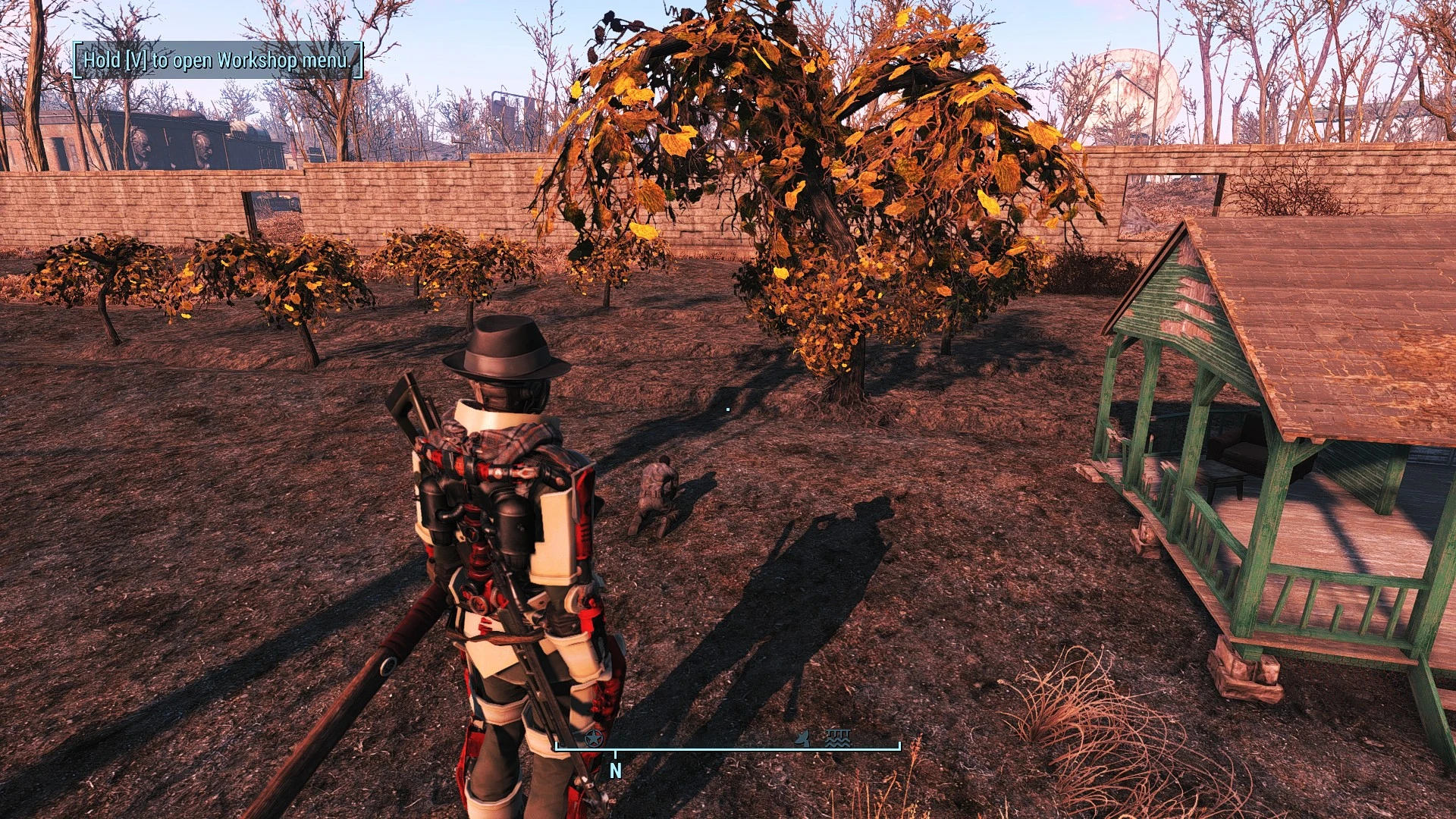
Place Everywhere removes the red 'invalid placement' restriction in settlement mode by letting you hold the 'E' key (or 'A' on controller) to force-place any object, even under terrain or overlapping other geometry. It also adds a freeform rotation mode (hold 'R' + mouse) and a 'snap to surface' toggle, allowing for precise clipping, sunken foundations, and floating decorations that would otherwise be impossible. Players install it to build truly custom settlements without fighting the vanilla grid and collision system.
View on discovermods →Syntax
Player SettlementExample
Downloads: 6,940,685 | Endorsements: 118,961💡 Notes
By TheLich | v1.22.1.1221 | 118,961 endorsements
🎯 Tips & Tricks
In settlement mode, select an object, then hold the 'E' key (PC) or 'A' button (Xbox/PS4) while clicking to place. This bypasses the red/red-green check, letting you sink objects into terrain or clip them through walls. For precise vertical adjustment, use the 'Page Up/Page Down' keys to raise/lower the object in 1-unit increments.
Hold the 'R' key and move your mouse to rotate objects on all three axes (X, Y, Z) instead of the vanilla 90-degree snaps. To fine-tune, hold 'Ctrl' while rotating to slow the speed by 10x. This is essential for placing roofs at angles or aligning objects to custom terrain slopes.
Press the 'V' key to toggle 'snap to surface' mode, which makes the object's bottom snap to whatever surface is under the cursor. Combine this with 'F' (toggle floor snap) to place objects flush on uneven ground. For floating objects, disable snapping and use the numeric keypad '+'/'-' to nudge the object up/down after placement.
🔧 Troubleshooting
Objects disappear or fall through the ground when reloading a save after using Place Everywhere to clip them into terrain
This is caused by the game's precombined geometry not recognizing the forced placement. Solution: After placing, select the object, press 'Home' to move it 1 unit up, then 'End' to move it back down. This forces the game to update the object's collision data. Alternatively, install the 'Scrap Everything' mod and scrap the ground under the object before placing.
Place Everywhere conflicts with 'Sim Settlements 2' when placing plots, causing plots to not snap or to float
Load order issue: Place Everywhere's ESP must load BEFORE Sim Settlements 2's ESP. In Vortex, set Place Everywhere to 'After' Sim Settlements 2 in the plugins tab, or manually edit your loadorder.txt. Also, disable the 'Advanced Object Placement' option in Place Everywhere's MCM settings, as it overrides Sim Settlements' own placement logic.
⚠️ Common Mistakes
- [object Object]
- [object Object]
👍 Pros
- 118,961 endorsements
- 6,940,685 downloads
- Category: Player Settlement
👎 Cons
- Requires mod manager installation
- May conflict with similar mods